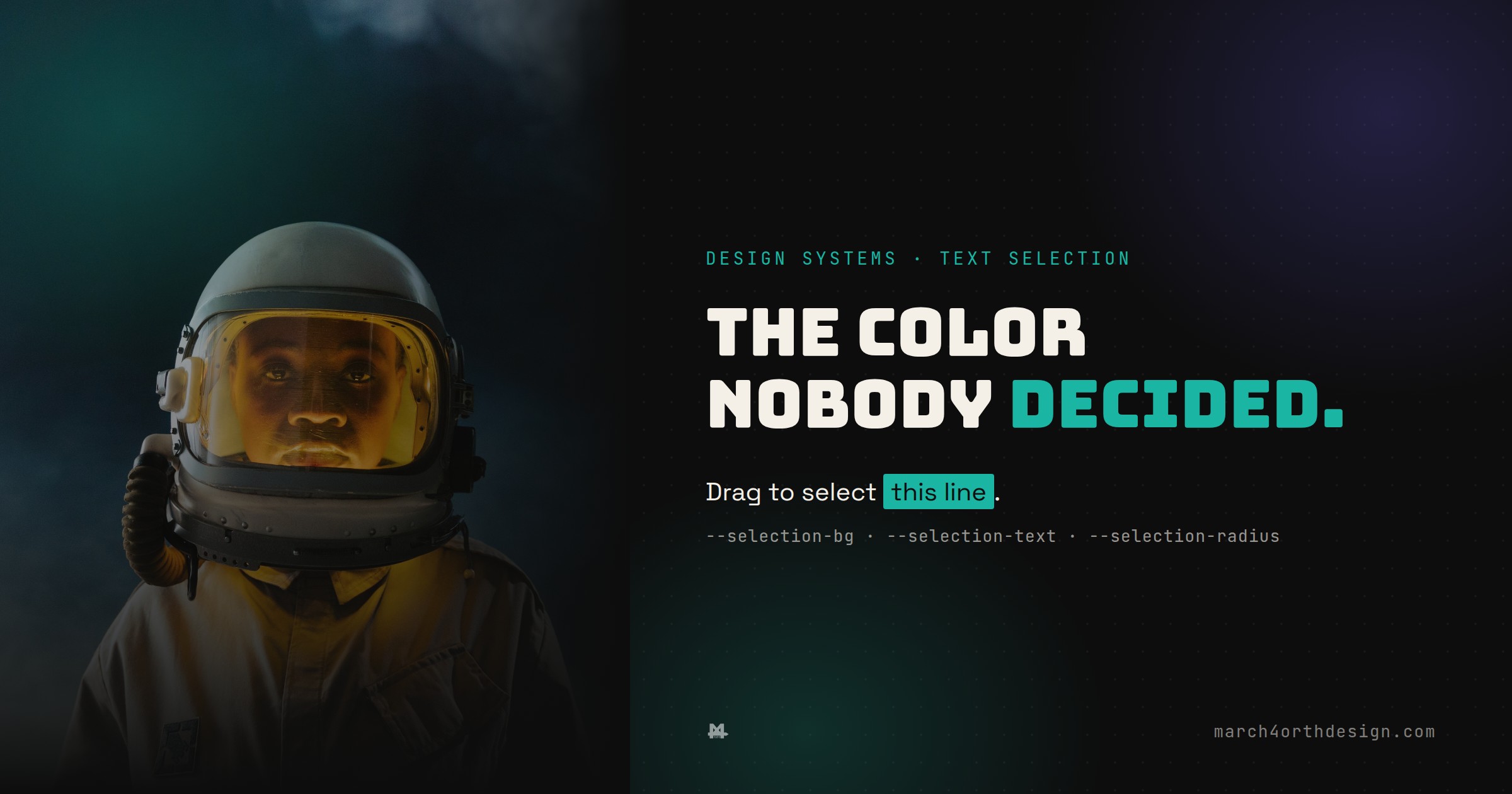

Drag-select a sentence on almost any site and you’re looking at a decision nobody actually made.
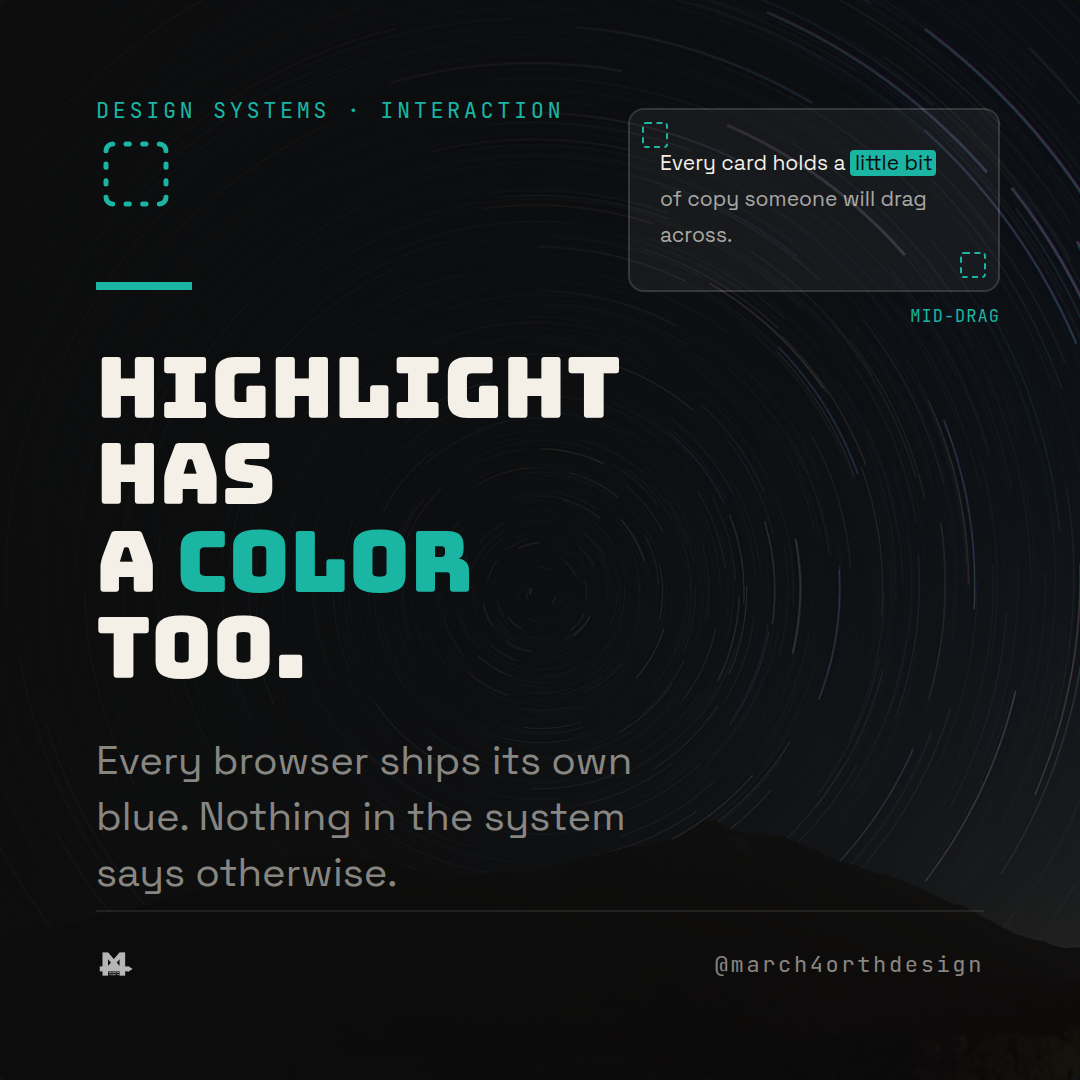
Every browser ships a default highlight color for selected text, usually some flavor of blue, and most design systems never touch it. That's fine right up until the blue clashes with a dark, teal-and-purple brand and nobody can say why. It's rendered UI, the same as a button or a card, it just never got a token, so it defaults to whatever the browser shipped.

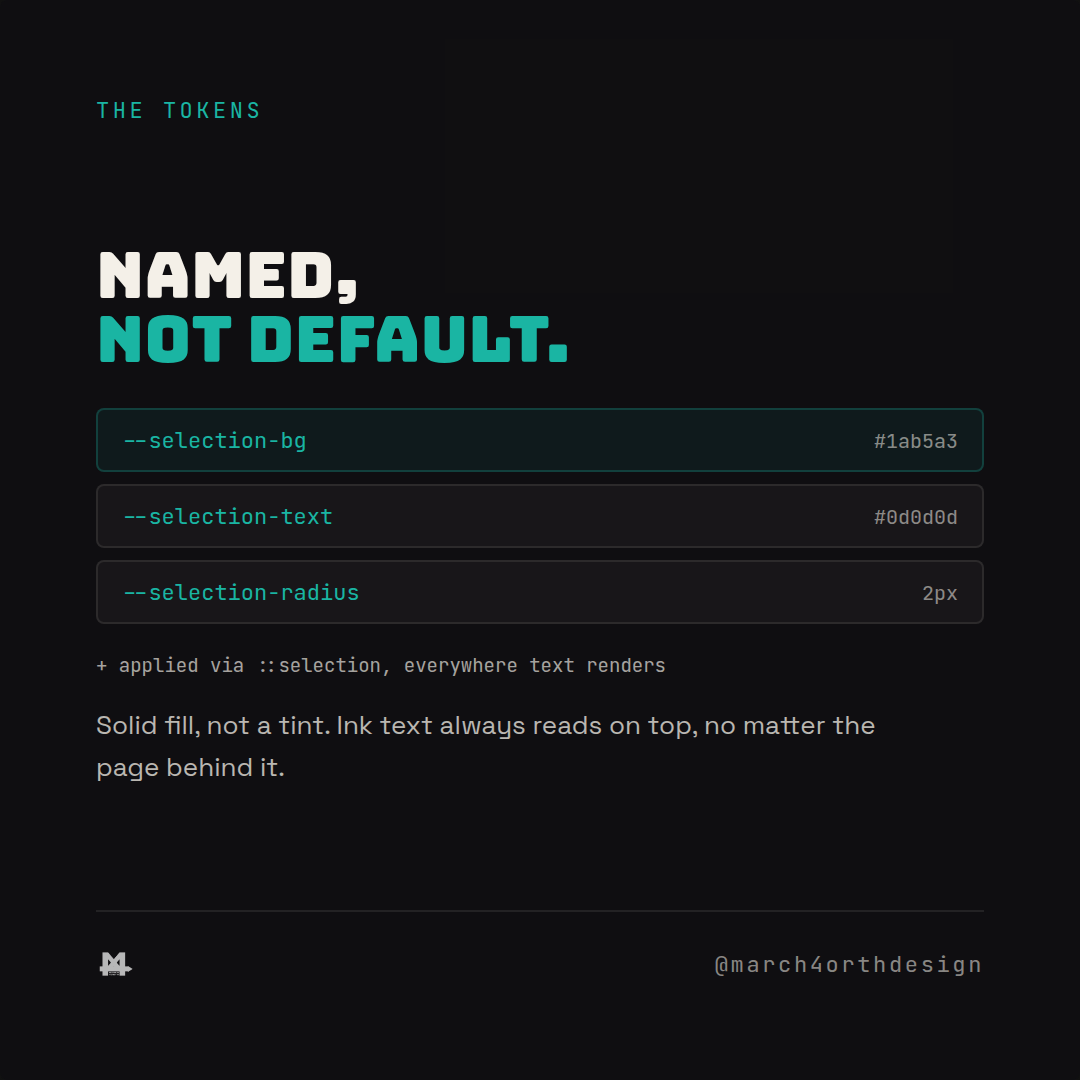
The fix is the same move as every other token in the system: name the decision instead of leaving it to `::selection`'s browser default. `--selection-bg` sets a solid fill, `--selection-text` sets the text color that sits on top of it, and `--selection-radius` softens the corners where a browser supports it. Solid fill matters more than it sounds. A translucent tint depends on whatever's underneath it, a paragraph on a light card versus a code block on dark ink render two different effective colors from the same rule. An opaque fill with a paired text color reads the same everywhere, because the recipe stops caring what's behind it.
Applying it is one CSS rule: `::selection { background: var(--selection-bg); color: var(--selection-text); }`, scoped globally once, not per component. The token pairing is the part worth taking seriously, background and text color always ship together, never edit one without checking the other still clears 4.5:1. A designer reviewing a page doesn't need to guess whether the highlight was considered, `--selection-bg` in the token file is the answer.
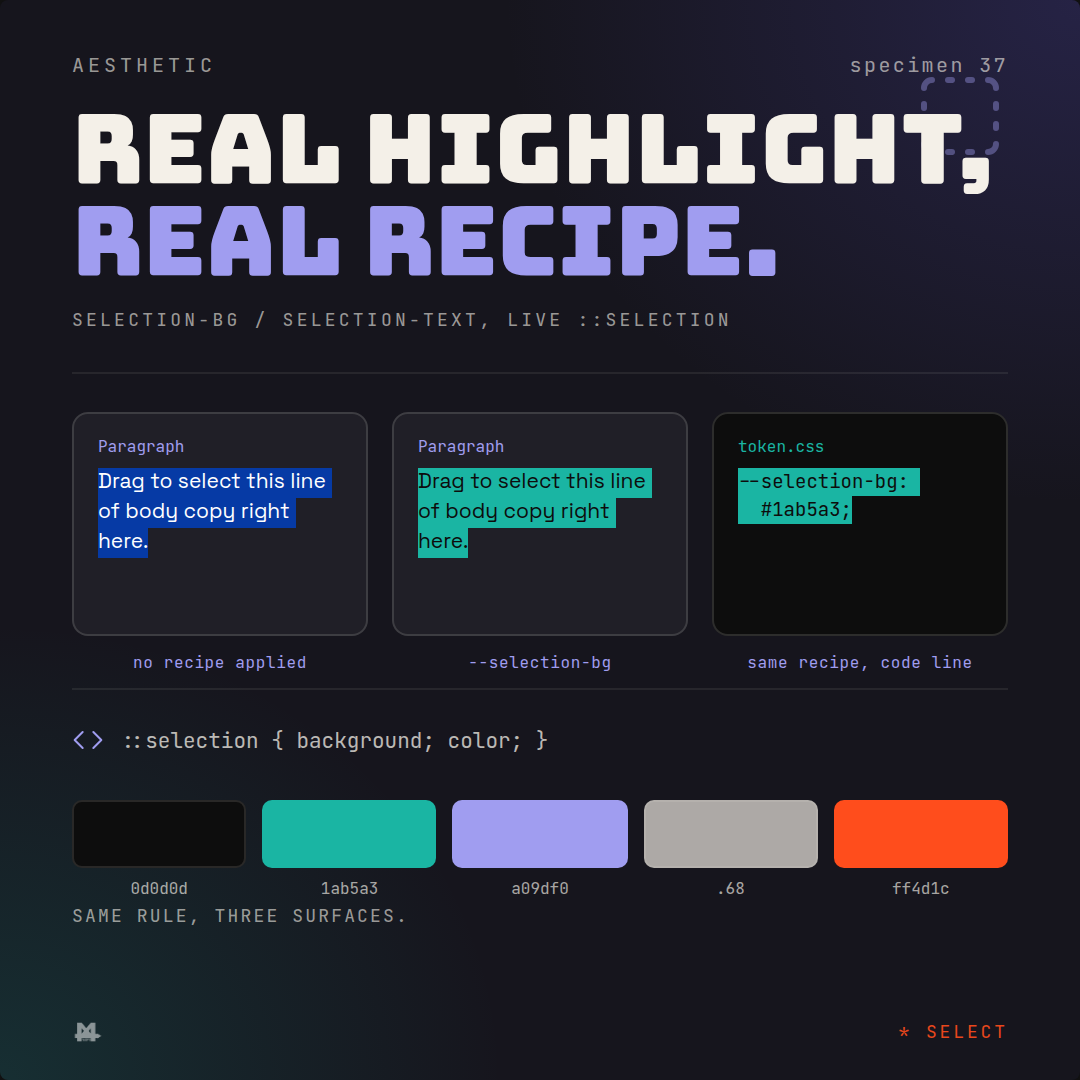

What changes is small but it's the kind of small that separates a designed site from an unstyled one. The highlight matches the brand on every page, not just the ones someone remembered to style. A code block, a form label, a pull quote, all select the same way, because the rule lives once instead of getting reinvented per component. It's one of the last pieces of a page that renders text and still runs on whatever the browser assumed.
Follow @march4orthdesign on Instagram for the next one.
Leave a Reply
You must be logged in to post a comment.