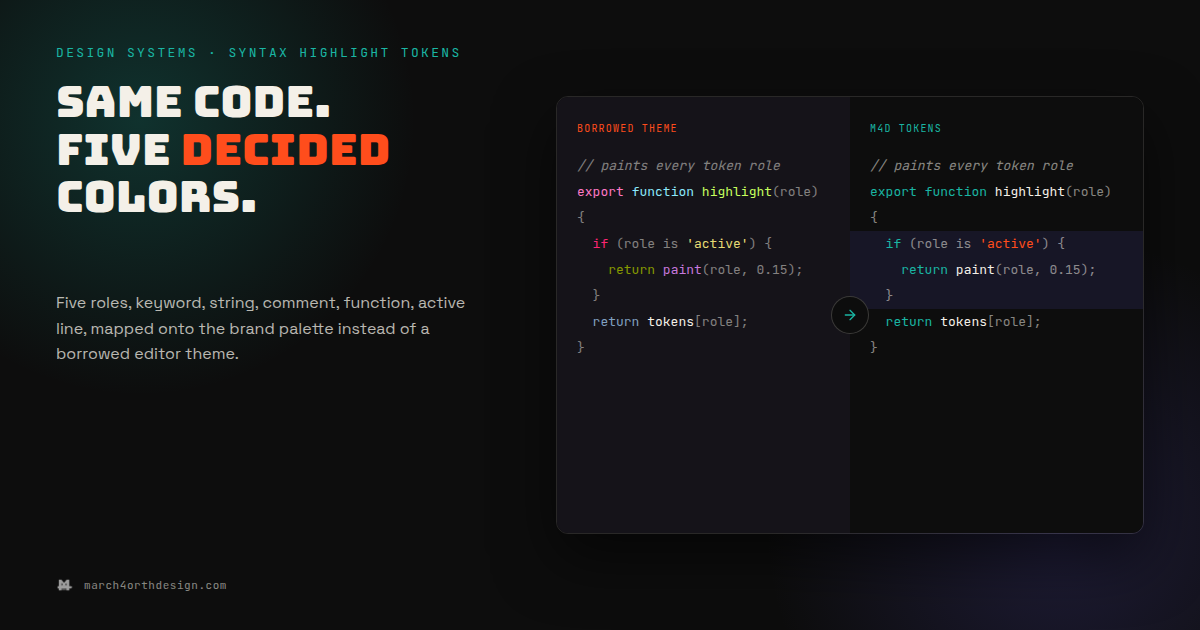

Every code screenshot you’ve ever posted is running an editor theme nobody on your team chose.
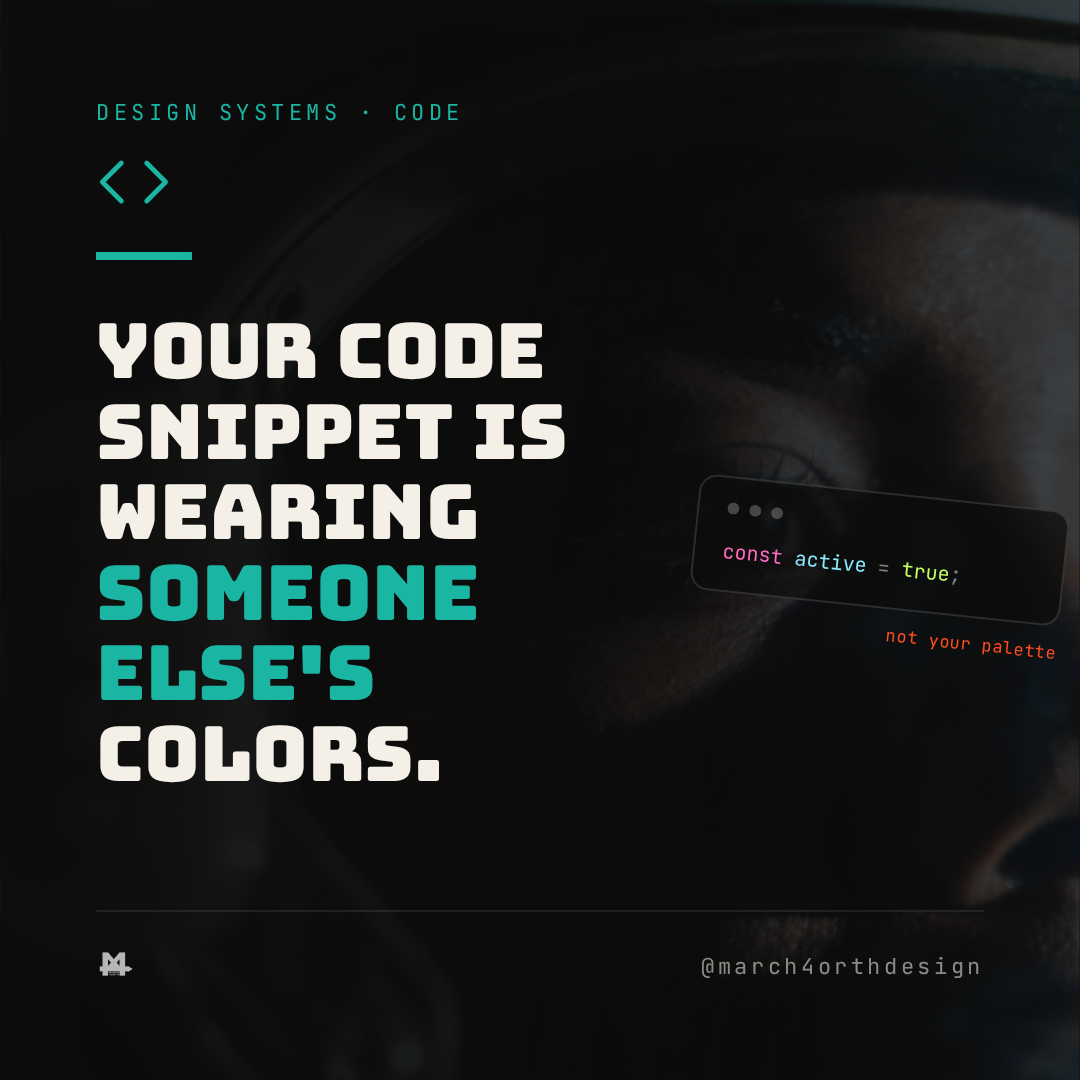
Paste a code block into a blog post or a slide deck and it shows up in whatever colors the last theme you installed happened to ship: pink keywords from one theme, orange strings from another, a green that matches nothing else on the page. Nobody decided that palette. It arrived bundled with a syntax highlighter, tuned for a code editor's dark mode, and it has nothing to do with the brand the code is supposed to represent. A screenshot of a token file is still branded content. It just usually isn't branded on purpose.

Five custom properties fix it without inventing a single new color. `--syntax-keyword` takes the same teal already used for eyebrows and links. `--syntax-string` takes the accent orange already reserved for small highlights. `--syntax-comment` takes paper at 55% opacity, the same floor already set for body text everywhere else in the system. `--syntax-function` takes paper at full opacity, so function and method names read as primary text rather than a fourth competing color. `--syntax-line-active` is the one token that isn't a text color at all: it's purple, but only ever as a 15% background wash behind the current line, never as a letterform. That last rule matters more here than anywhere else in the system, because purple as code text on a dark panel would be nearly unreadable, and a syntax theme that fails contrast is a theme nobody can actually read while debugging.
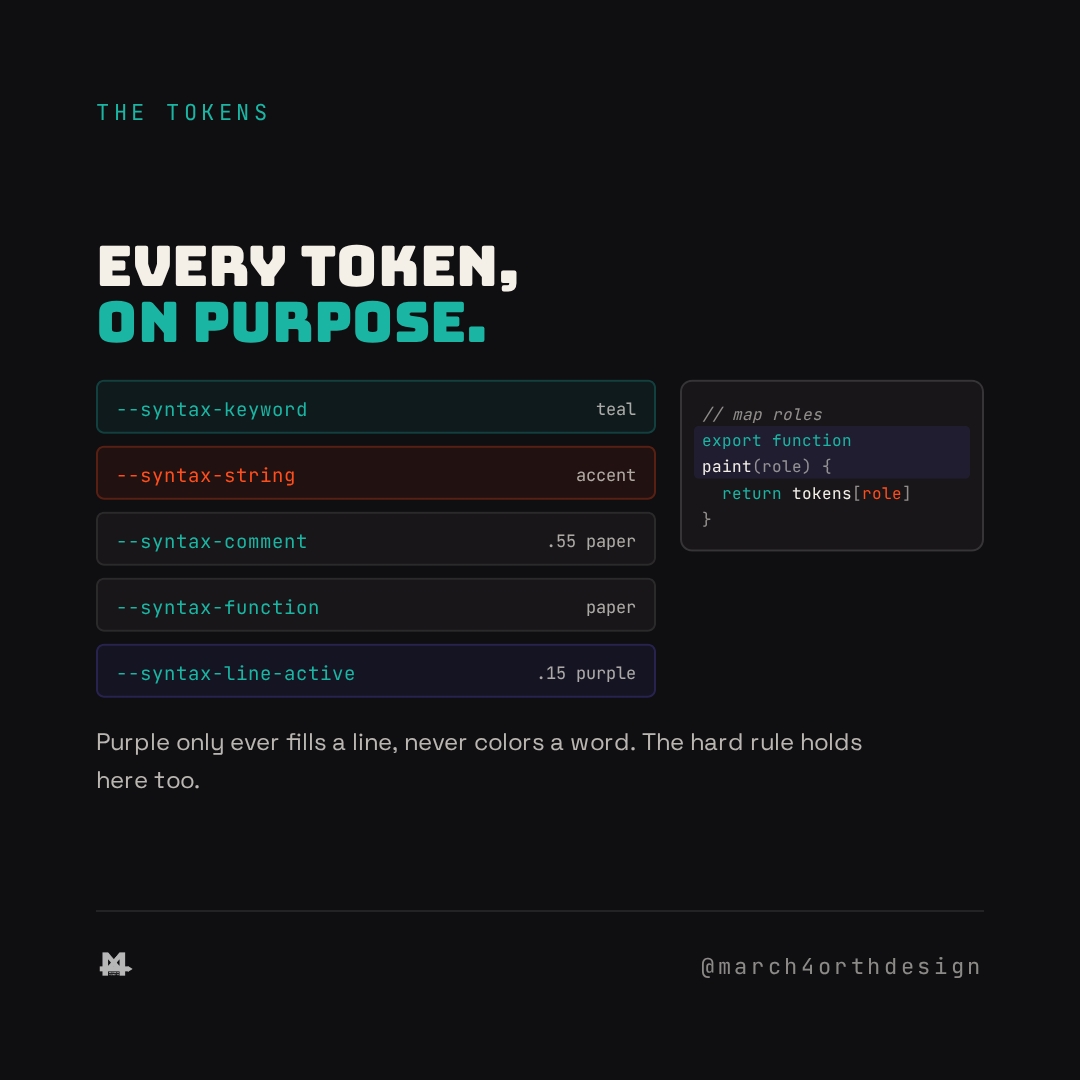
Applying the recipe is a handful of CSS rules against whatever syntax highlighter renders the code, one `color` declaration per token class, plus a `background` on the current-line class if the highlighter supports one. A blog post's embedded snippet, a specimen page's live code panel, and a slide deck's screenshot all point at the same five variables, so a keyword reads teal whether it's sitting in a Markdown post rendered through Prism or a component demo rendered live in the browser. The alternative, one hand-picked palette per surface, is exactly the kind of drift a token system exists to stop.
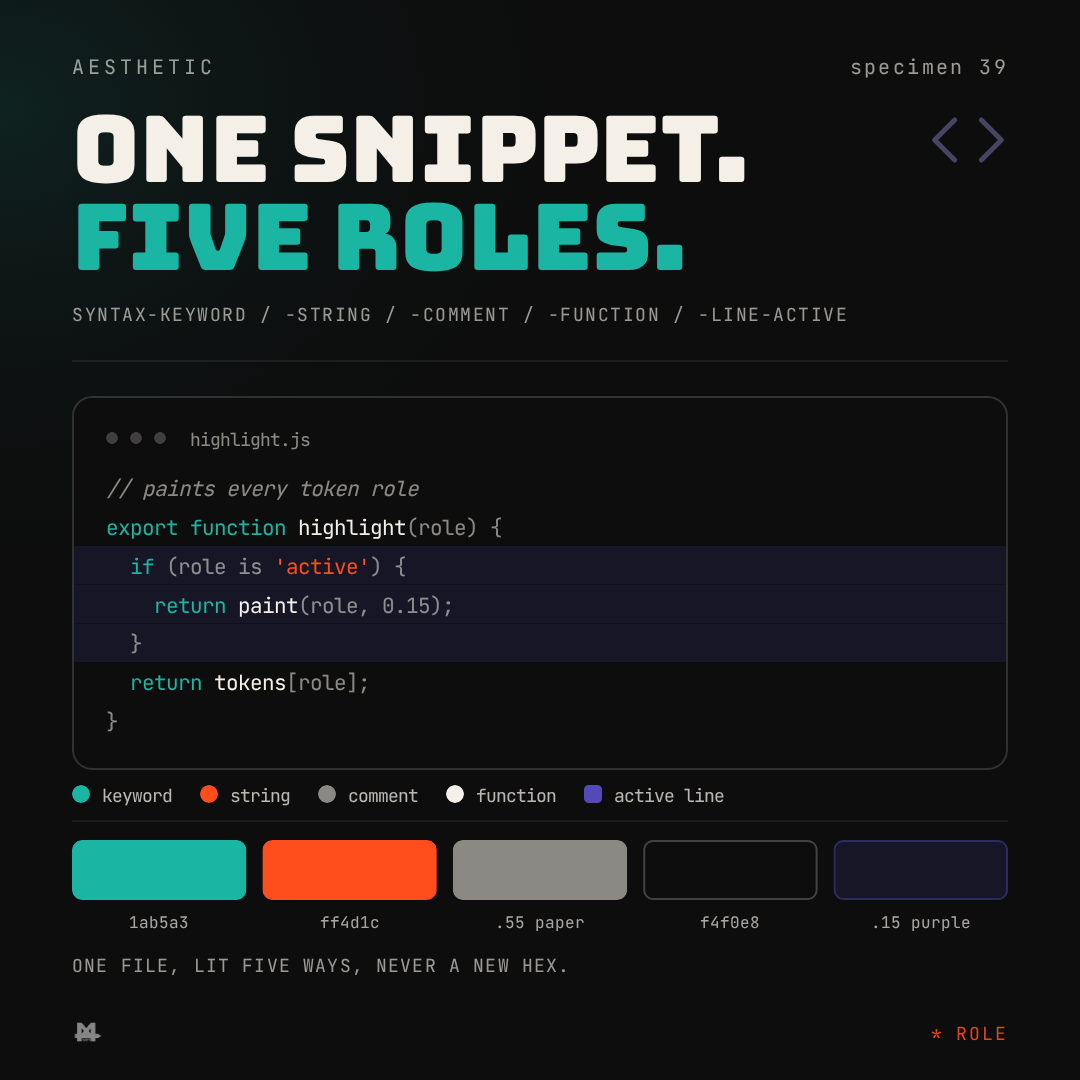
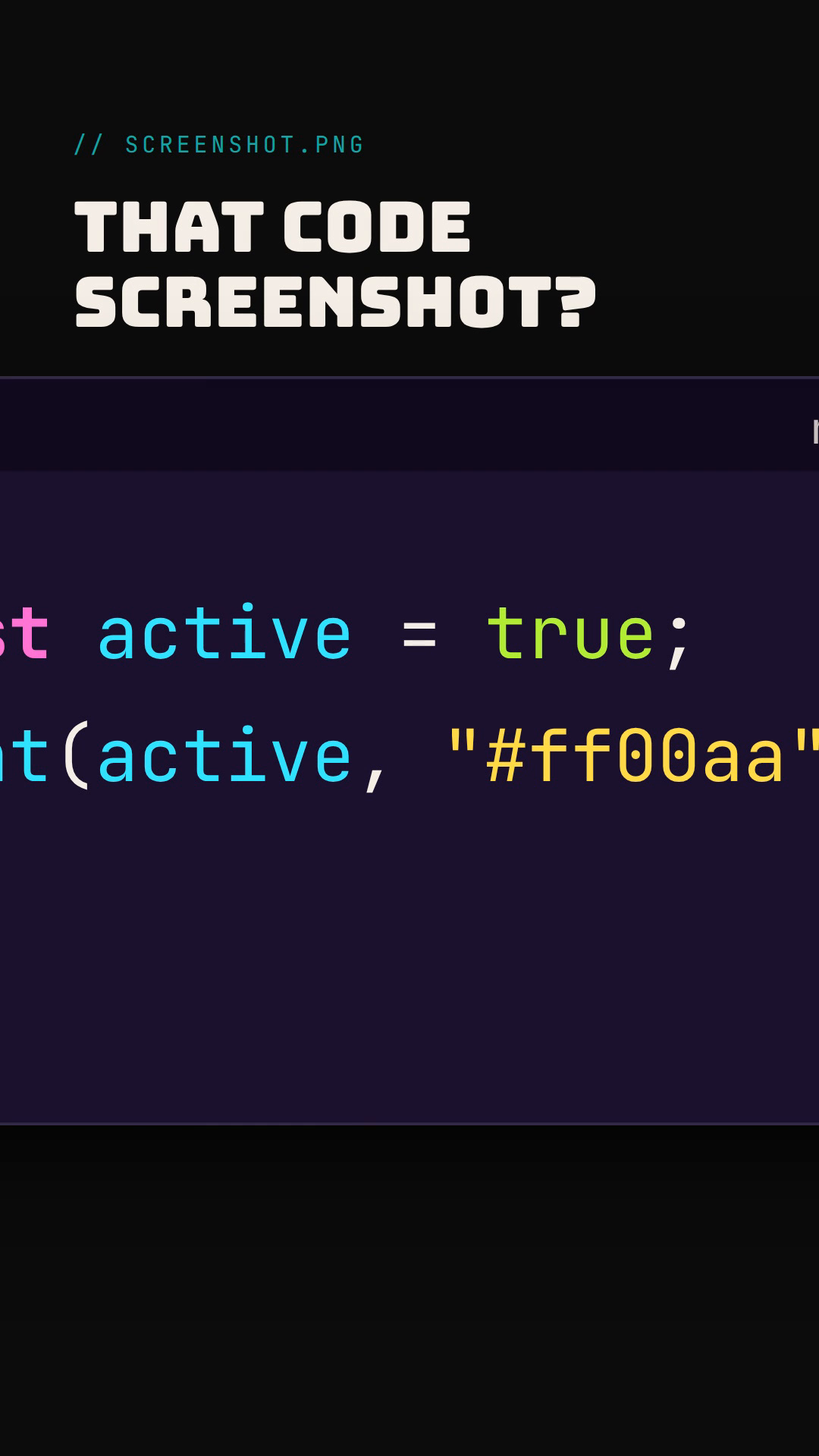
A code snippet is one of the few pieces of content that gets copied, screenshotted, and reposted outside the site entirely, on Twitter, in a newsletter, in a teammate's Slack message. Every one of those copies is still a brand impression. Naming the five roles it's built from means that impression matches the rest of the system instead of whichever editor theme happened to be installed the day the screenshot was taken.
Follow @march4orthdesign on Instagram for the next one.
Leave a Reply