
Every team hits the same moment: the app needs a success state and an error state, and someone picks two new hex codes that have never appeared in the design file before.
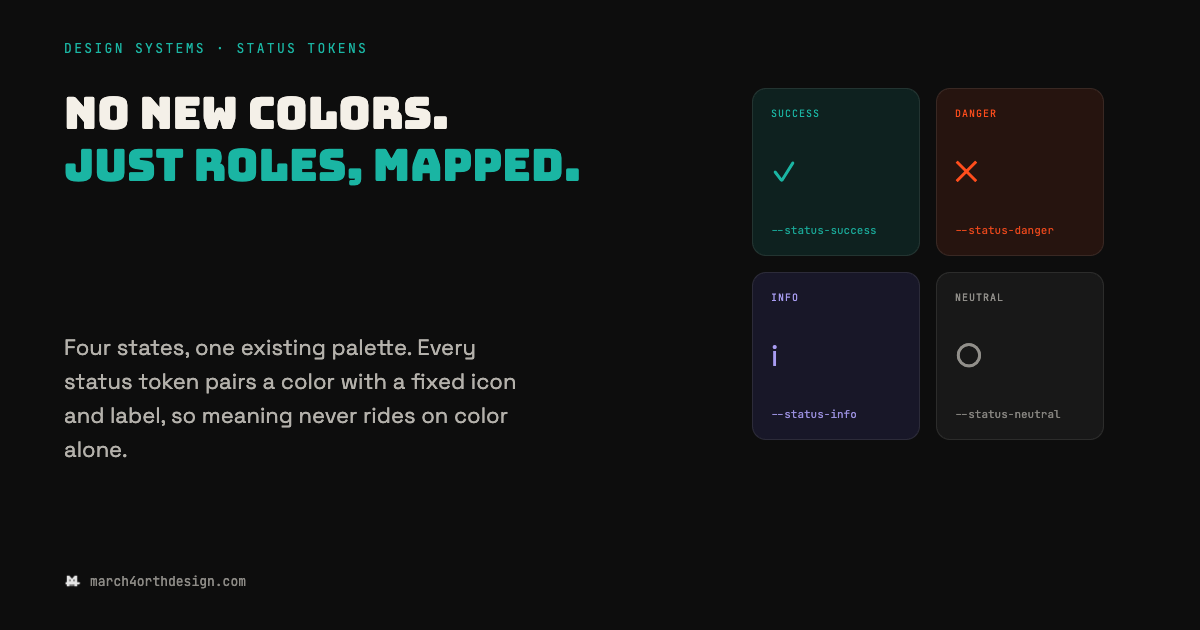
Those two colors turn into four within a sprint (warning, info) and none of them were chosen against the palette that already shipped. That's how a design system ends up with a brand section that looks intentional and a notifications tray that looks like a different product. The fix isn't a bigger palette, it's a mapping layer: name the roles success, danger, info, and neutral, then assign each one to a color your system already owns. A teal that already reads as "affirmative" becomes --status-success. The accent already reserved for attention becomes --status-danger. Nothing new gets invented, something existing gets a job. The second half of the mechanism matters just as much: pair every status token with a fixed icon and a text label, so the color is never the only thing carrying the message. Roughly one in twelve people can't reliably tell red from green, and a color-only alert silently excludes them. Once the token includes an icon and a label by definition, that failure mode is closed at the system level instead of hoping every designer remembers to add one. What changes in practice is small but permanent: a new alert, toast, or badge gets built by pulling --status-danger and its paired icon, not by opening the color picker. The palette stays exactly as tight as it was on day one.
Leave a Reply
You must be logged in to post a comment.